MINECRAFT HOSTING
  HYTALE HOSTING
 Want to switch your server to a different game? Game Swap lets you do it in a few clicks. This guide covers switching without saving your current files. If you want to keep your current game and switch back to it later, check out our Game Instances guide.
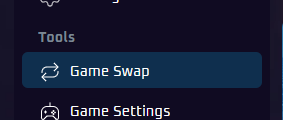
Step 1: Open Game Swap
In your game panel, open the Game Swap menu from the left sidebar.
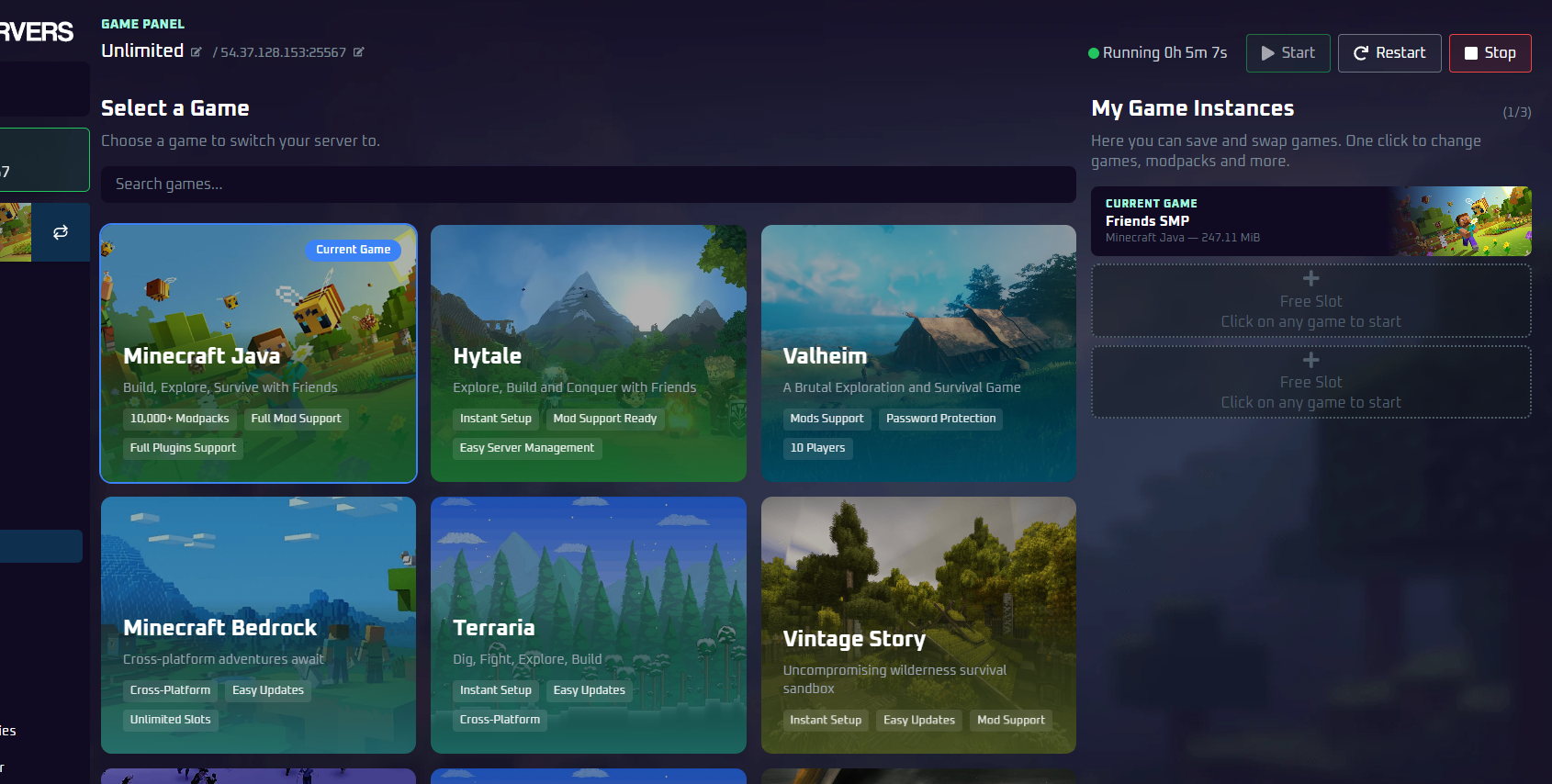
Step 2: Select a Game
Browse the available games or use the search bar to find the game you want, then click it.
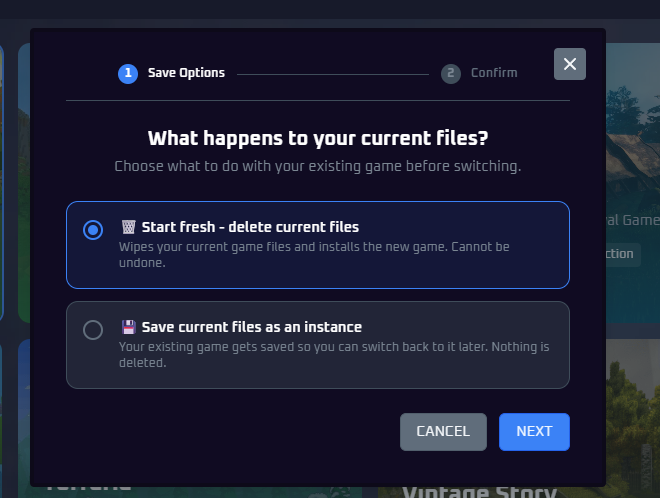
Step 3: Choose to Delete Current Files
A dialog will appear asking what to do with your current files. Select 🗑️ Start fresh -delete current files and click Next.
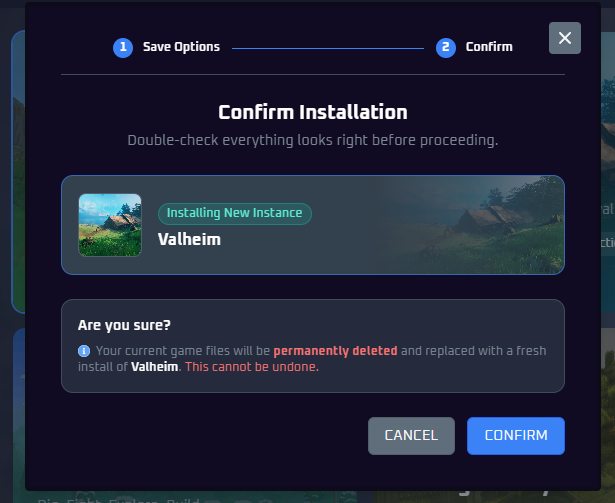
Step 4: Confirm
Review the confirmation screen to make sure everything looks correct, then click Confirm to start the switch.
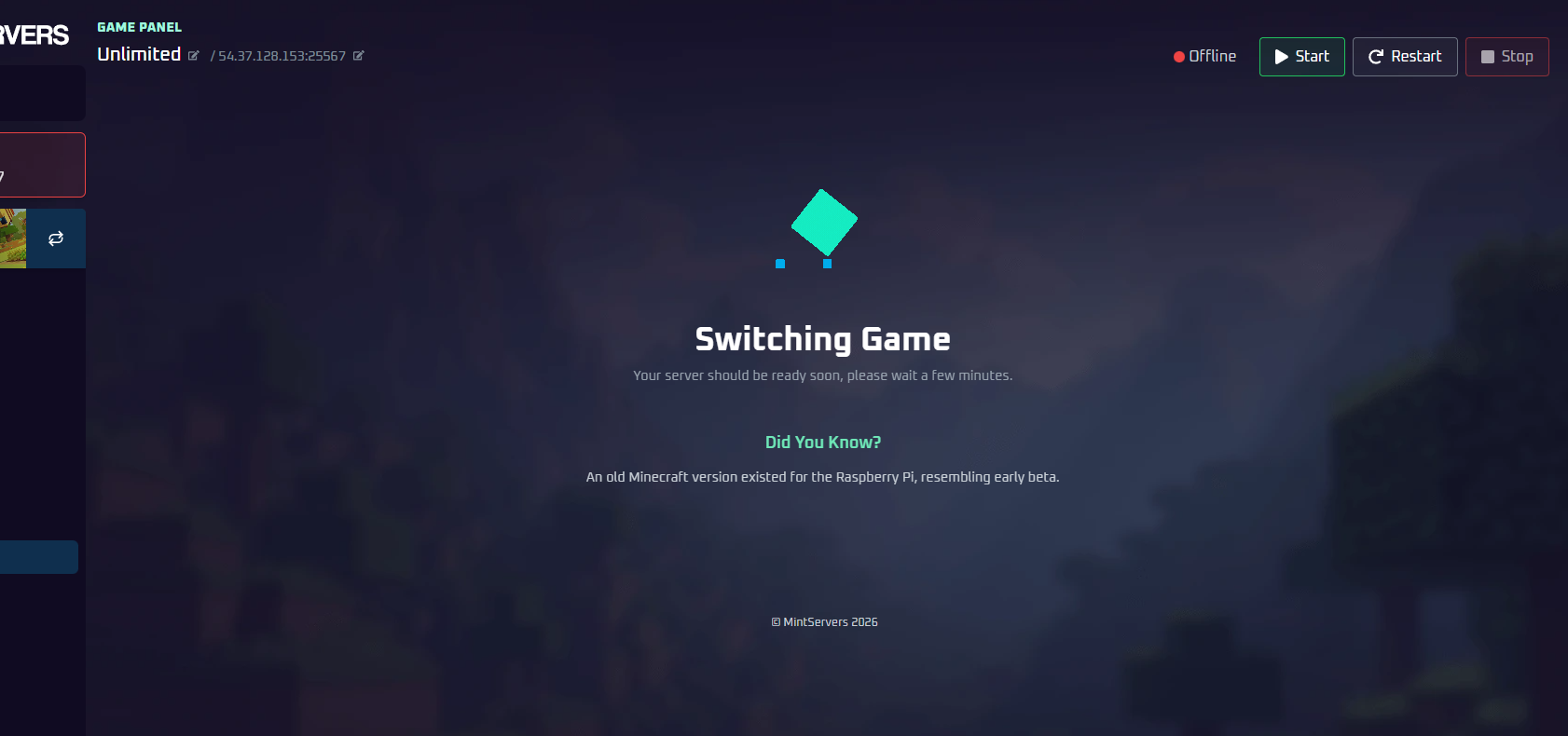
Step 5: Wait for Installation
The switching process begins immediately and takes anywhere from 15 seconds to a few minutes depending on file size. Your panel will show a loading screen - wait for it to finish before starting your server.